Resolving Blank Screen
Last modified on:
Overview
A blank or white screen may appear when attempting to load RezExpert if the incorrect URL has been bookmarked.
Steps
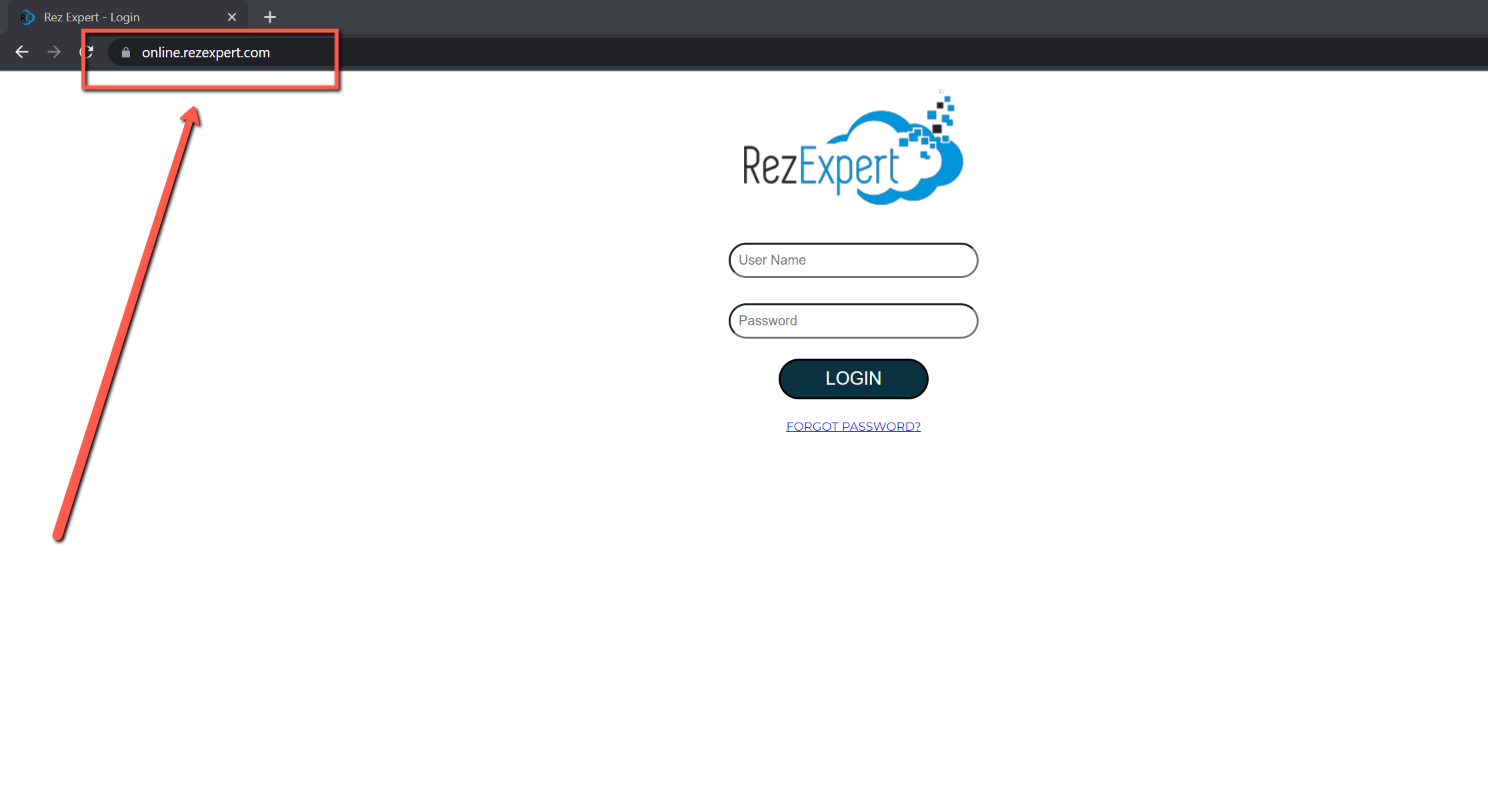
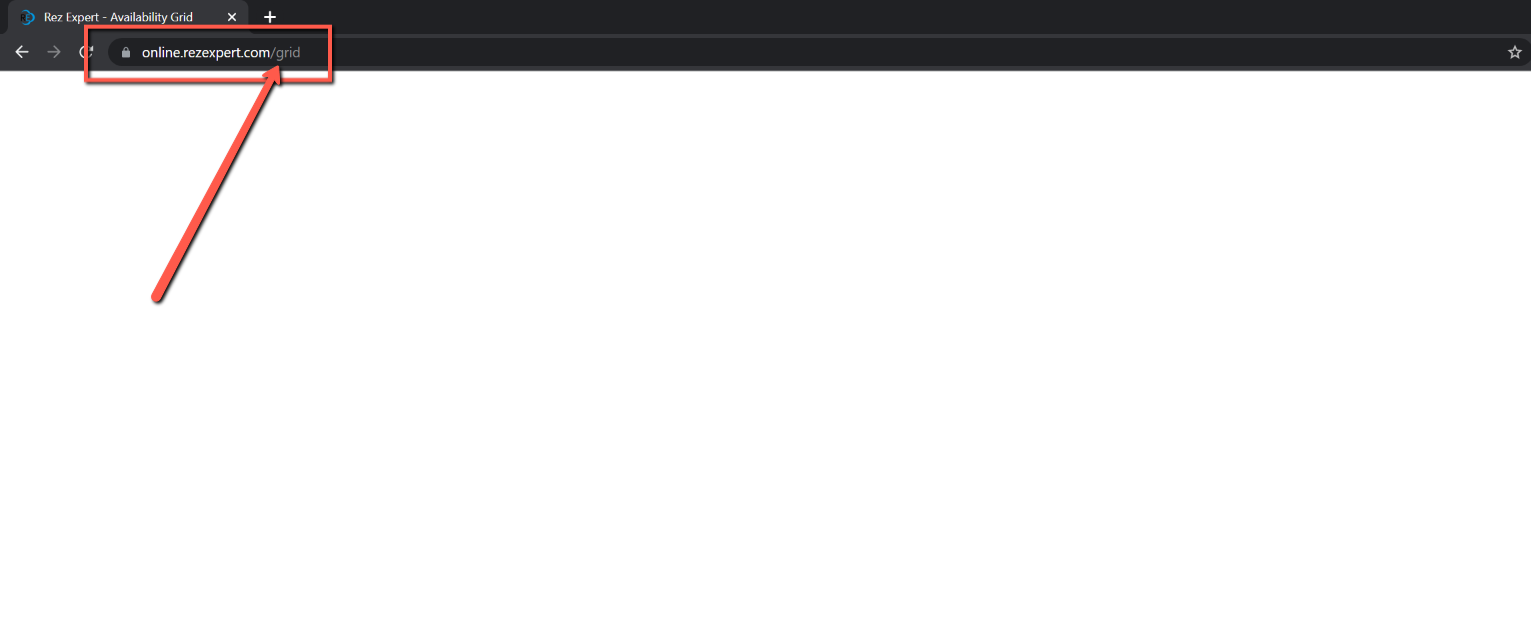
If you encounter a blank screen, check the url that you used to assess RezExpert. If the URL has been bookmarked and contains any text after .com, a white screen will occur.
- To resolve the issue:
- Remove everything after online.rezexpert.com in the URL.
- Press Enter to reload the page.
Troubleshooting
- If the problem persists, verify your internet connection and try accessing the site again.