Overview
This document provides instructions for logging into the RezExpert system, including both the test and production environments.
Prerequisites
- Access to a web browser
- Login information provided by a team member or property manager
Steps
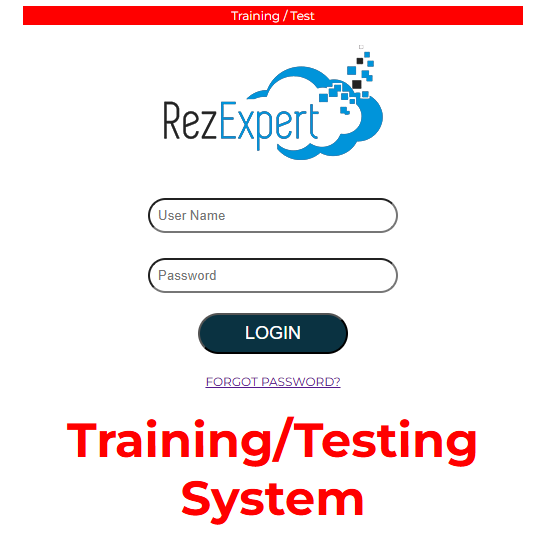
- Access the RezExpert Test Environment:
- Open your web browser and navigate to:
https://profile.rezexpert.com
- Access the RezExpert Production Environment:
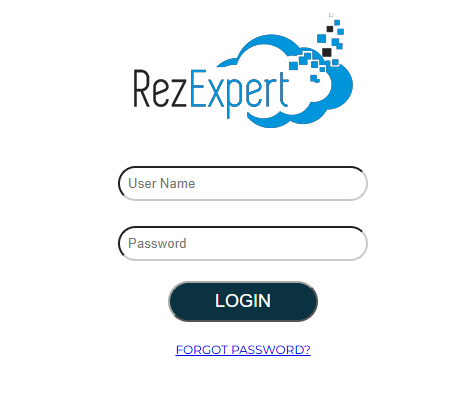
- Open your web browser and navigate to:
https://online.rezexpert.com
- Login:
- Enter the login information provided to you by a member of our team or by your property manager.
Troubleshooting
- Forgot Password: If you have trouble remembering your password, you can reset it by clicking on the FORGOT PASSWORD? link. An email will be sent to the email address associated with your employee record with a link to reset your password.